Meet Test Specifications
With the VibrationVIEW control software, generate test profiles or enter specifications with ease. The interface is intuitive and user-friendly, and the software is industry-leading. You can access standard vibration testing modes built for ease of use and advanced features you won’t find anywhere else.
System Compatibility
Use the copy-paste functionality to move data between graphs and software applications to perform an easy comparison of data from a multitude of applications. Compare data from different time locations, import test profiles, view multiple test results, and more.

Vibration Testing Systems
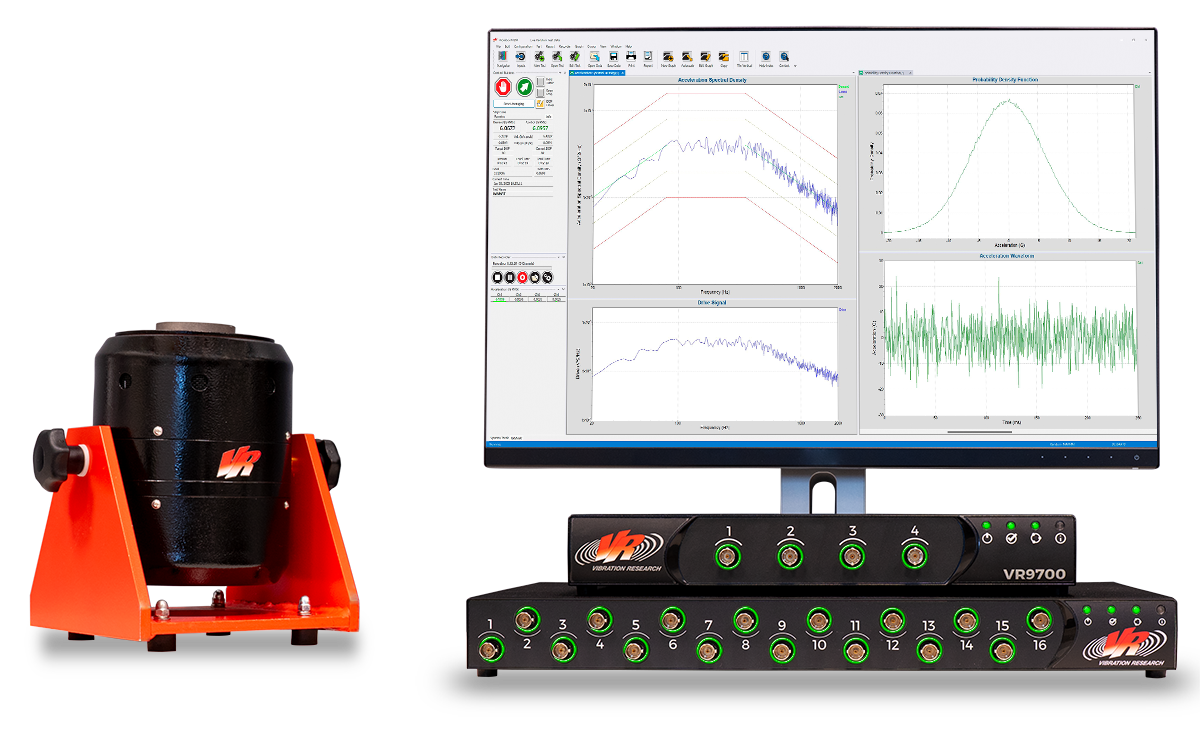
Perform sine, random, and shock testing with a complete Vibration Research (VR) control system, including the controller, shaker, and software. VR controllers support 104,000 lines of control and up to 512 channels.
Random Vibration
Perform random vibration testing with standard test specifications or a user-defined test profile.
- Enter frequency/amplitude breakpoints in an easy-to-read, tabular format
- Control constant or ramped acceleration, velocity, or displacement
- Automatically calculate the frequency of intersection between any constant acceleration, velocity, or displacement lines
- Enter over 9,999 separate frequency/amplitude breakpoints to meet virtually any test specification
Sine Sweep
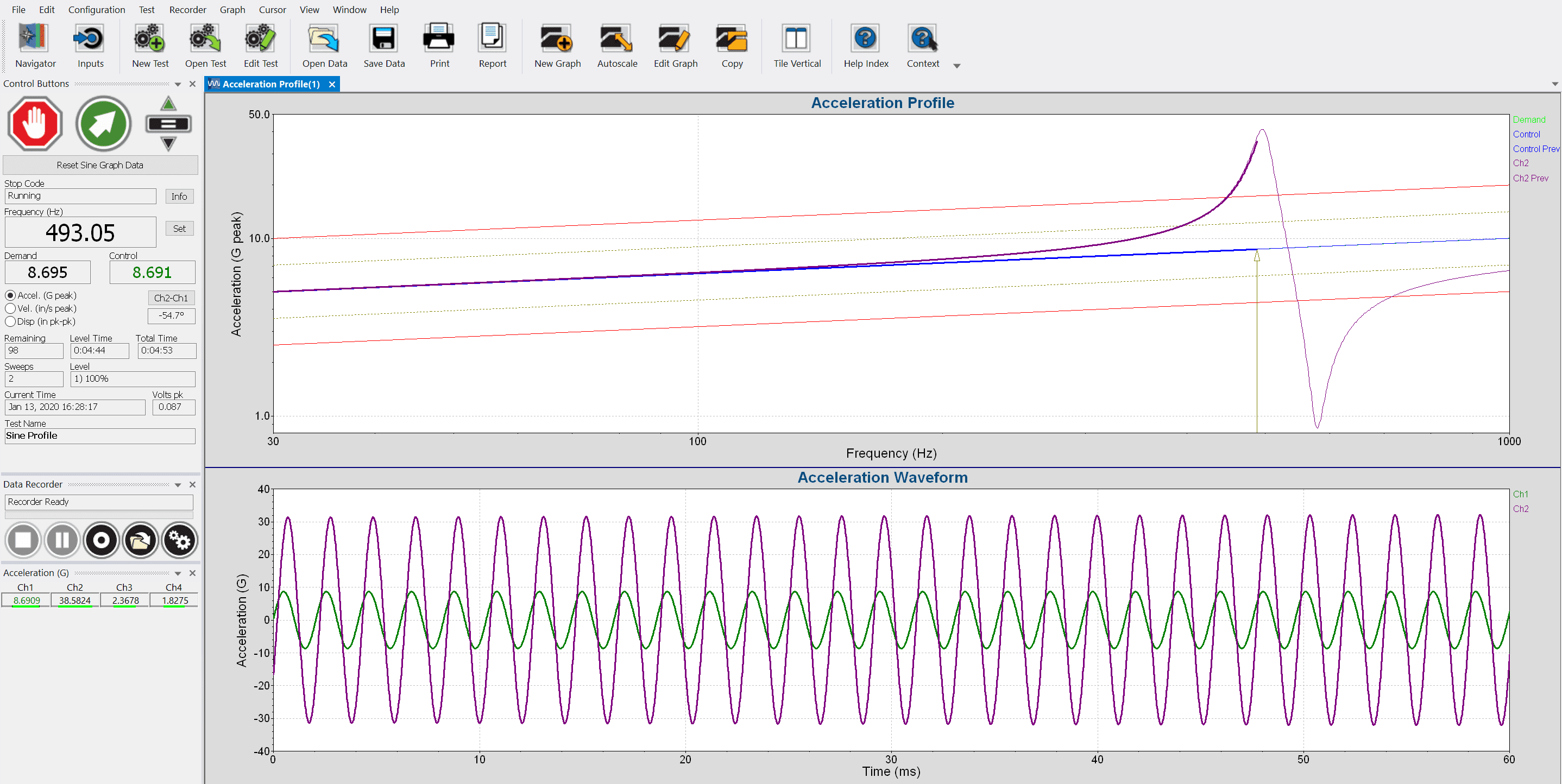
Run sequences of fixed-frequency tones of a specified acceleration, velocity, or displacement. Test duration options include the length of time, the number of sine wave cycles, and the number of sweeps.
Additional Features
- Specify linear or logarithmic sweeps
- Change the sweep type while the test is running
- Easily repeat tone sequences with the looping function
- Set individual sweep rates and tolerances by segment
Independent Notching Profiles
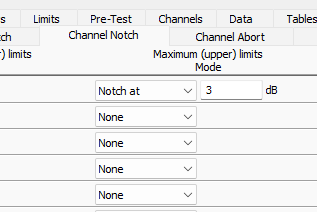
Assign notching limits to individual channels in the Sine and Random test modes. If necessary, the software will notch the drive output to keep the channel input below the defined profile. Notching limits can be a decibel level relative to the demand profile or scaled from the demand profile. Minimum limits can also be defined to boost the drive output.
You can apply abort limits to individual channels simultaneously with a notch/boost limit. The test will safely shut down if the channel reaches the abort limit.
Virtual Channels
Engineers can reference virtual channels when configuring notches/aborts in Sine or Random, using them in the same way as a response channel from a physical sensor. Virtual channels are the result of user-defined expressions that combine input channels. They perform linear math in the time domain and can reference channels across hardware units.
Virtual Channels turn raw data into insights, eliminating the need to process data in external tools.
Reporting
Generate Professional Test Reports with Ease
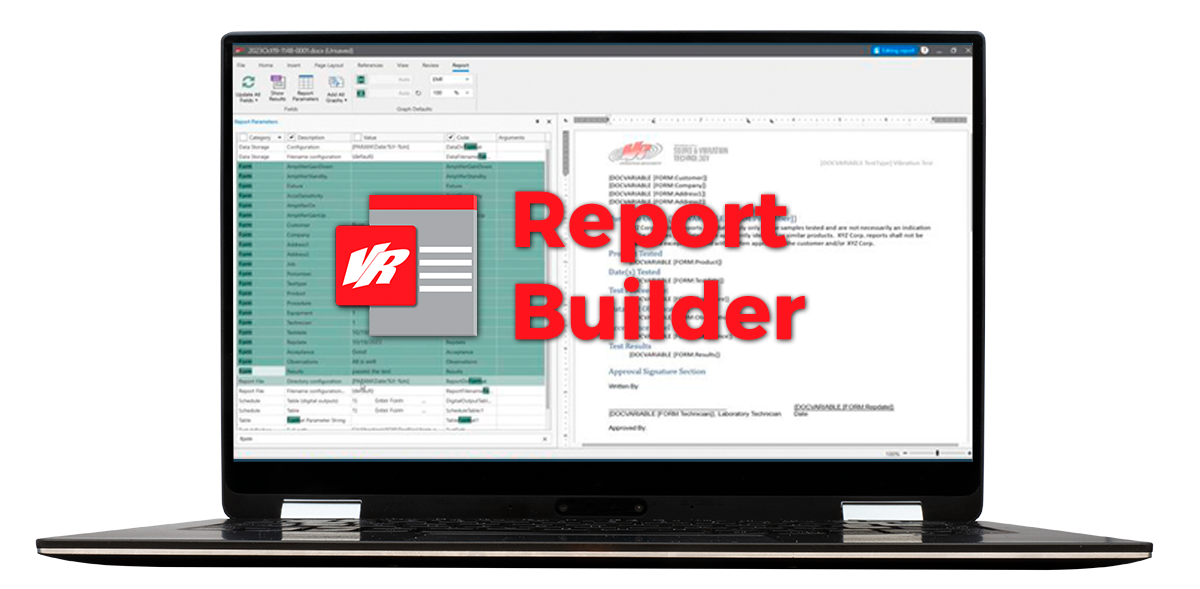
Fulfill all your test reporting needs with user-friendly options for customization. VibrationVIEW can generate vibration test reports as a docx, PDF, HTML, or Excel file and includes a built-in Report Builder.
Projects with WMU
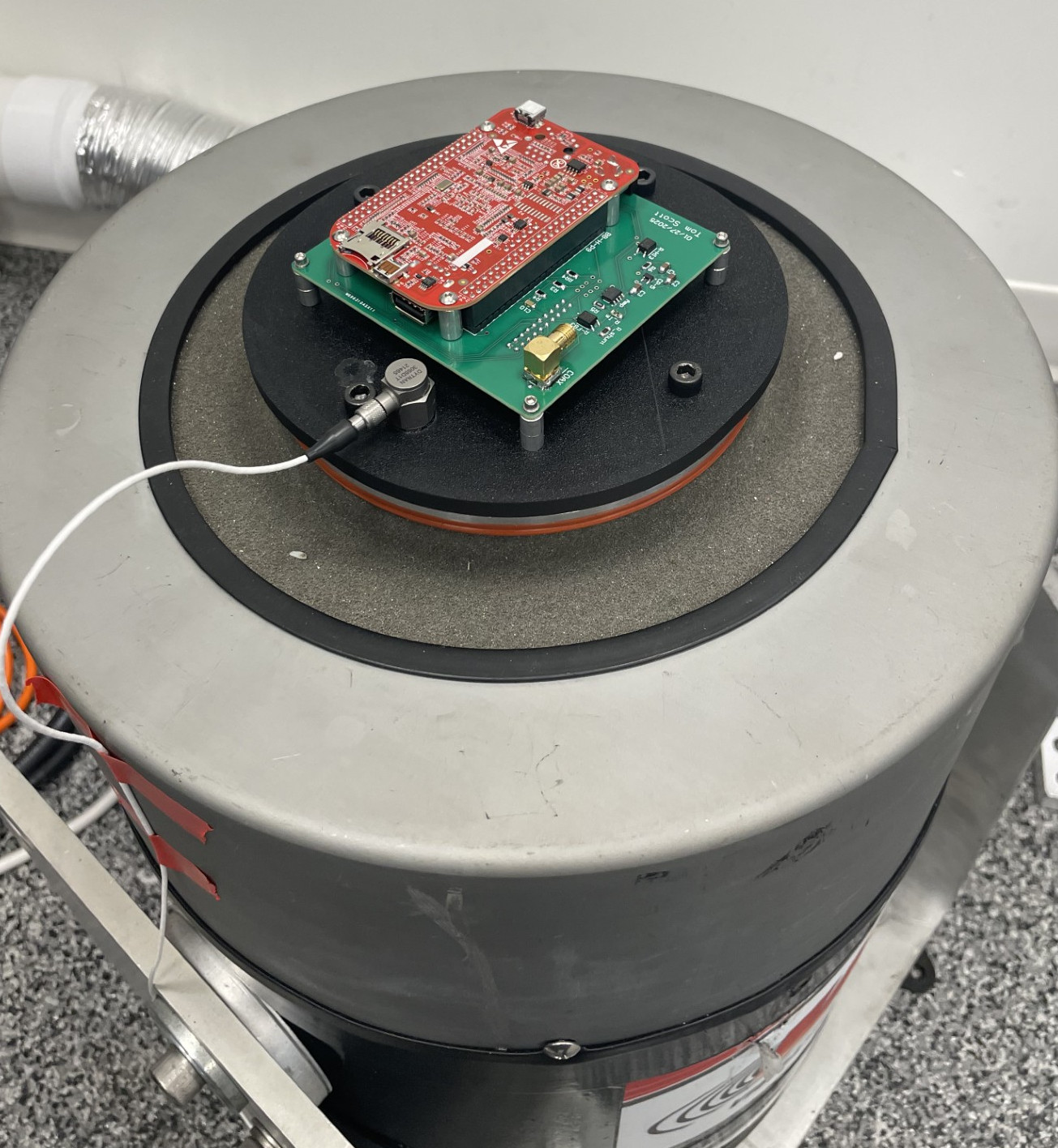
Over the years, Vibration Research assisted students from Western Michigan University (WMU) with their CubeSat projects.
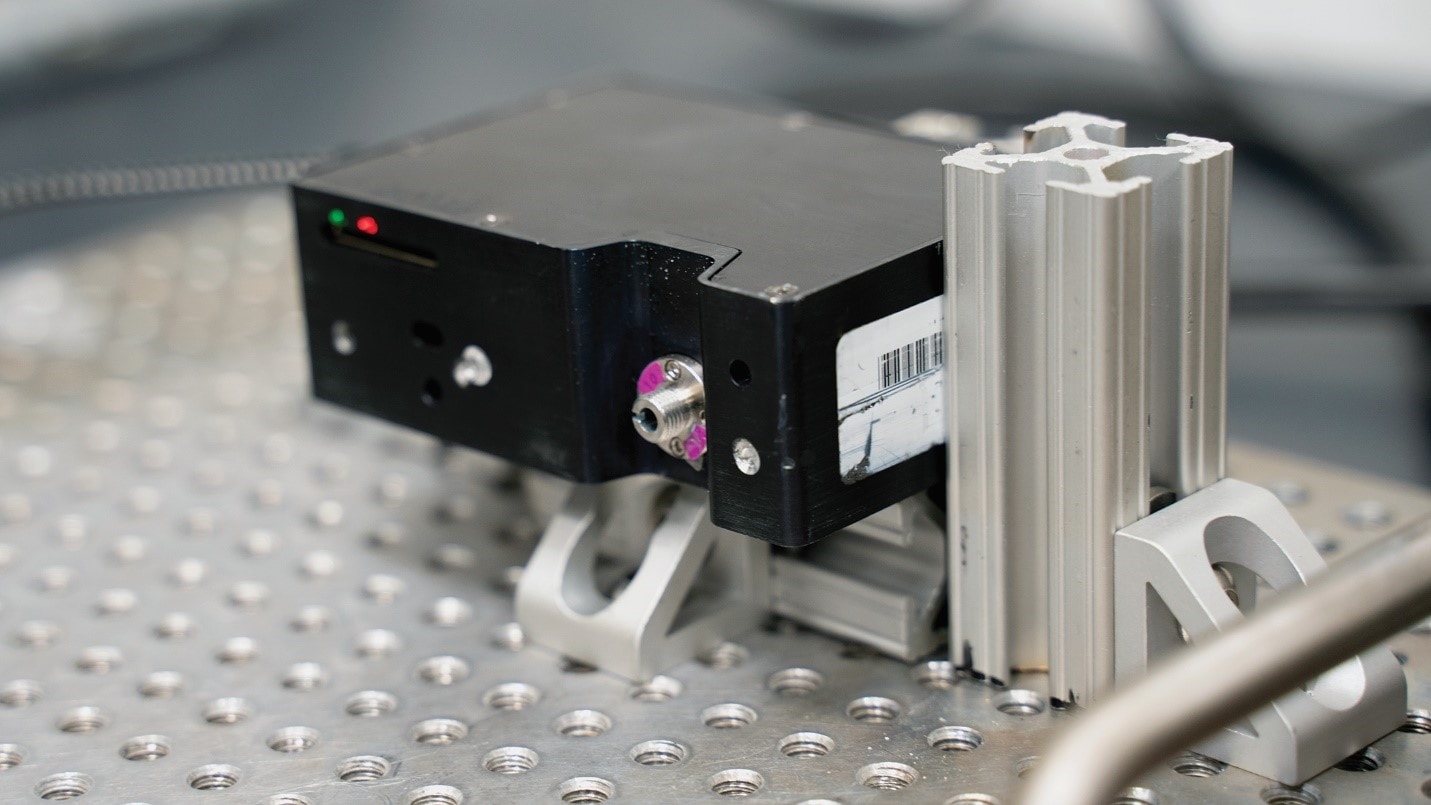
In 2019, students ran an initial set of vibration tests on an off-the-shelf spectrometer. In 2025, students sought to qualify the main circuit board of their sensor prototype.
What is a CubeSat?
CubeSats are small satellites built to standard dimensions and launched as auxiliary payloads. They are sent into space with large and expensive equipment, such as a telecommunications satellite, or fit into extra space on a resupply mission to the International Space Station.
NASA-STD-7001B
Commercially available technology, such as the tested spectrometer, helps stay within budget constraints. Space-qualified spectrometers are on the order of $100,000 each, while off-the-shelf spectrometers cost significantly less.
However, maintaining a budget is meaningless without confidence that the off-the-shelf technology will survive a launch. Vibration testing is required to establish mission viability.
For a spectrometer vibration test, engineers can implement NASA-STD-7001B, a standard that verifies the survivability of spaceflight payload hardware. NASA-STD-7001B is defined for payload testing when the launch vehicle has not yet been determined.
Shock Testing
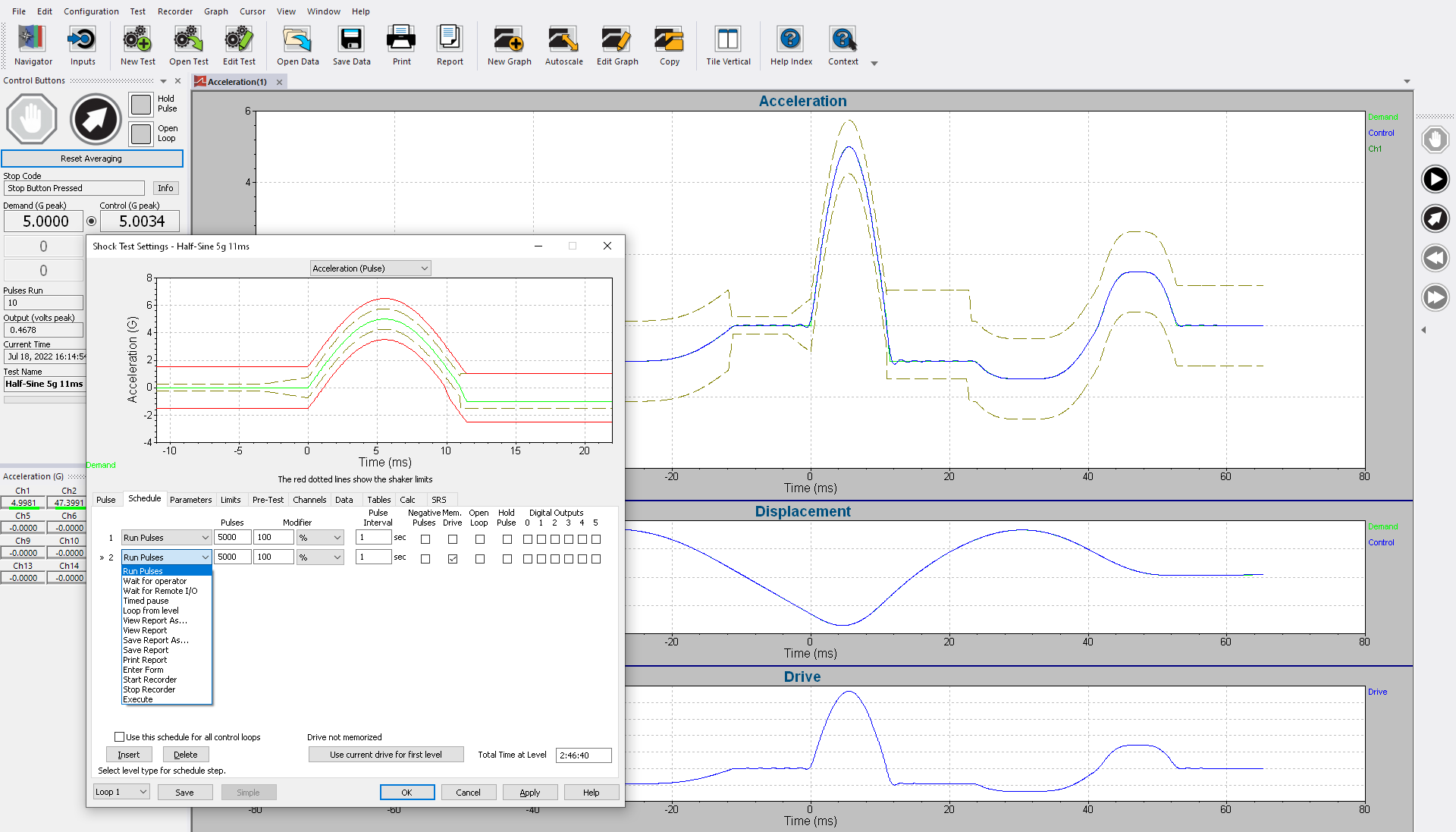
Define the test duration at each output level. Enter up to 200 separate levels and loop to repeat sequences without interruption. Repeat a pulse from 1 to more than 2 billion times with a configurable repetition rate. Tests can be configured to run pulses at different amplitude levels.
Short-duration Random Testing
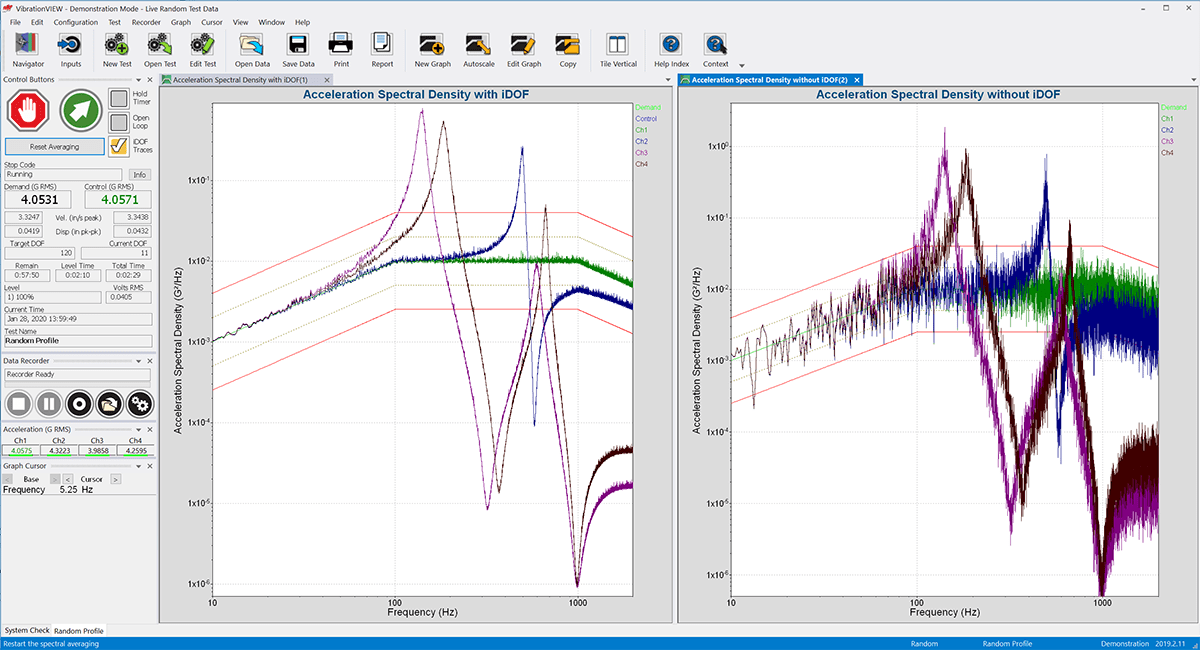
Testing facilities in industries such as aerospace often test high-value equipment at high levels of random vibration for a brief period. The goal is to run a realistic test to identify reliability issues without damaging the equipment.
The Instant Degrees of Freedom® (iDOF) calculation is a statistically valid way to provide smooth lines and an in-tolerance PSD in a brief testing period.
Sine Resonance Track & Dwell (SRTD) Control
After determining transmissibility peaks, run a dwell test at resonant frequencies for a specified time duration or number of sine wave cycles.
- Manually change SRTD settings while a test is running
- Receive feedback on current test settings in the SRTD Controls
- View long-term changes in the resonance frequency due to fatigue or product temperature
- Customize graph layout of phase-based SRTD graphs
Peak Tracking
VibrationVIEW’s peak tracking automatically shifts resonances by finding and maintaining the peak transmissibility between two channels. This powerful feature minimizes the need for precise detection during the sine sweep so the user can sweep faster. Most importantly, it maintains peak transmissibility throughout the tracked dwell portion of the test.
Sensor Prototype Test