
Calibrate & Verify
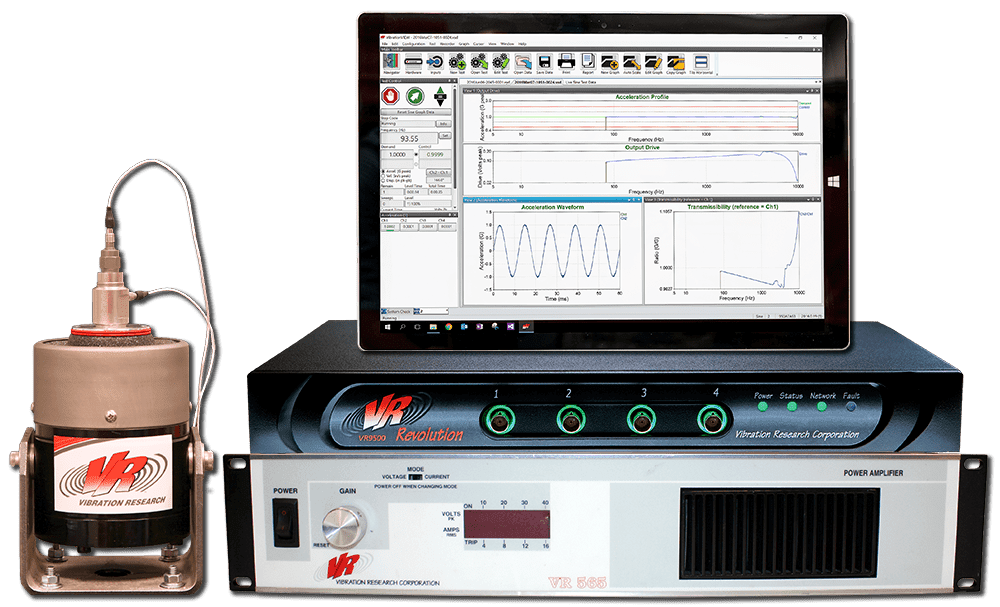
Vibration Research’s Accelerometer Calibration software performs accurate sensor calibration verification from the convenience of your lab. With minimal setup and time, verify and update the accuracy of IEPE and charge-mode piezoelectric accelerometers and generate a report.
The software uses the most convenient and least expensive technique (per ISO 16063-21): the back-to-back comparison method, approved by the International Society of Automation (ISA).
Quick & Easy 10-minute Procedure
- Preloaded Sine test profile: select, adjust if needed, and run
- Automatically generate a report (customizable template included)
- Compare sensitivities and save new values; VibrationVIEW reads and re-writes to TEDS
Save Time. Save Money.
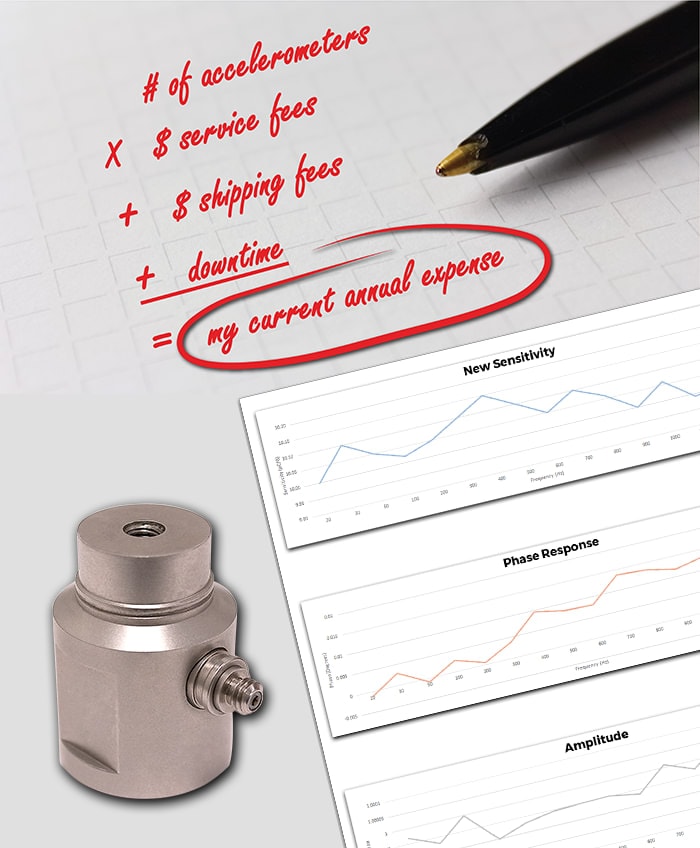
Vibration Research knows your time is valuable. Its accelerometer calibration package eliminates the need to pack and ship each accelerometer to be calibrated, reducing your downtime.
You can use the calibration package on all your accelerometers for one price, time and time again. Simply set up each unit for calibration, run the 10-minute verification procedure, retrieve the report, and continue with your day.
Advantages of Calibration
- Early detection of incorrect sensor sensitivity
- Identification of potential sensor defects
- Confidence in your test results
Custom Reporting
Use the standard report template or customize your report using Microsoft® Word. Vibration Research offers one of the most flexible custom reporting packages.

Writes to TEDS
Upon test completion, write the new sensitivity values to the sensor’s TEDS (transducer electronic data sheet).
Automatic Calibration
Automatically compare the sensitivities of reference and DUT sensors at the operating frequency range. The software saves the new values at the end of the test.
Ready-to-use Test Profile
Use the standard calibration test profile, which includes a test report template, or define your own profile.
CONFIGURABLE PACKAGE
Build it your way
- Choose components to complete an existing setup
- Purchase a VR turn-key system with everything listed here.
SENSOR CALIBRATION SOFTWARE
VR software can be added at any time via electronic key. Perform calibration verification, access an easy interface to calculate accelerometer sensitivity, and produce a calibration report suitable for record-keeping.
VR9100 Sine
9103HF High-frequency Sine (optional)
Requires VR9100
Extended frequency range to 50,000 Hz control
Extended 20,000 Hz analysis
VR9106 Accelerometer Calibration Verification Software
Writes to TEDS 0.9, 1.0, 1.1 | TEDS IEEE 1451.4

Typical Measurement Uncertainty
- 3 Hz to 20 Hz: 2.1%
- 20 Hz to 100 Hz: 2%
- 100 Hz to 2.5 kHz: 1.5%
- 2.5 kHz to 10 kHz: 2.8%
VR9700 CONTROLLER
2 analog inputs
1 analog output (drive) enabled
Or use any existing VR I/O box
VR5200HF SMALL SHAKER
13 lbs-f peak
DC to 14,000 Hz
0.5 in max displacement
BACK-TO-BACK ACCELEROMETER
Specific sensor is subject to availability
Sensitivity ±5%: 100 mV/G
Frequency range ±5%: 10 Hz to 10,000 Hz*
*±5, ±10, ±15 low-frequency calibration points included